
diados
Extension of the Day

diados

5.0 FREE
  • Screenshot 1

Description

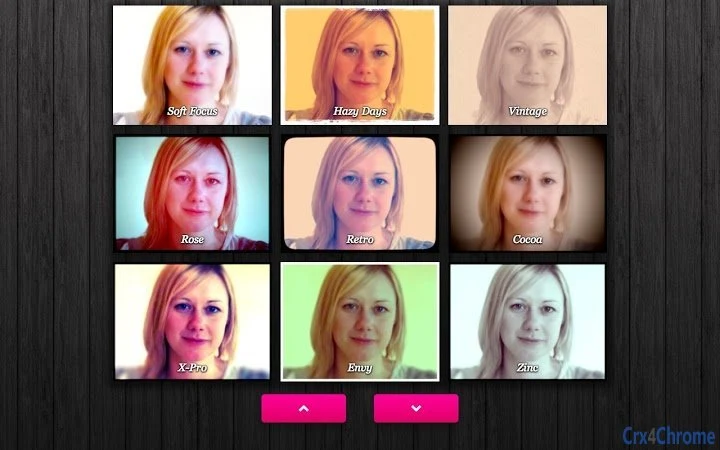
Play with more than 80 fun camera effects and filters, take photos, save to your computer, or share.Webcam Toy will load in a few seconds. Allow access to your web camera when prompted, then select an effect from the menu in the lower half of the screen by pressing the left or right arrows. Take a picture by pressing the camera button, and choose to save or share.Also use these keyboard shortcut keys in the app:← → Arrow keys - Go to previous/next effect.'G' - Show the Grid view, where you can see 9 effects at once.'I' - Show the Info (settings) menu.'S' - Square the photo (good for avatar/profile pictures).'F' - Turn the camera flash on or off.'C' - Turn the photo Countdown on or off.'M' - Mirror the photo (good for when showing words to the camera).That's it! Have fun taking photos online with Webcam Toy!

Guides & Tutorials for Webcam Toy App for Chrome

How to install Webcam Toy App for Chrome
  1. Click the Preview / Download button above.
  2. Once redirected, accept the terms and click Install.
  3. Wait for the Webcam Toy App for Chrome download to finish on your device.
How to use Webcam Toy App for Chrome

This software is primarily used for its core features described above. Open the app after installation to explore its capabilities.

User Reviews for Webcam Toy App for Chrome 0

    No reviews found

Similar Apps


